LMC 8.4 for Realme, Oppo and Vivo
Aweme package, configs and ColorOS / Funtouch tips
Realme, Oppo and Vivo phones are hugely popular in Bangladesh. LMC 8.4 runs on most of them, but ColorOS often hides extra lenses from camera apps. The Aweme package and the right config solve most problems.

Table of Contents

LMC 8.4 R18 APK
LMC8.4_R18F1.apk · ~135 MB · Android 10+
Released: 14 Jun 2023 · Developer: Hasli
Why Realme and Oppo Need the Aweme Package
ColorOS (used by Oppo, Realme and newer OnePlus phones) only shares the extra cameras with selected apps. The Aweme package gives LMC 8.4 the package name com.ss.android.ugc.aweme, which these phones already allow, so the ultra-wide and other lenses can appear. The developer describes Aweme as the package for "some Realme, OPPO and OnePlus devices".
| APK file | Package name | Best for | Link |
|---|---|---|---|
Default (recommended)LMC8.4_R18F1.apk | com.google.android.GoogleCameraLMCR18 | Most phones – install this first | Get |
SnapcamLMC8.4_R18F1_Snapcam.apk | org.codeaurora.snapcam | Snapdragon phones such as OnePlus | Get |
AwemeLMC8.4_R18F1_Aweme.apk | com.ss.android.ugc.aweme | Some Realme, Oppo and OnePlus phones | Get |
Scan3DLMC8.4_R18F1_Scan3D.apk | com.samsung.android.scan3d | Samsung Galaxy phones | Get |
IrisLMC8.4_R18F1_Iris.apk | com.samsung.android.server.iris | Samsung phones (alternative package) | Get |
Google LensLMC8.4_R18F1_Google_Lens.apk | com.google.android.GoogleCameraEng | Users who want Google Lens built in | Get |

Models With LMC 8.4 Configs
| Brand | LMC 8.4 configs | Other LMC series |
|---|---|---|
| Realme | C25, C25s, Narzo 20, Narzo 50, 9 5G Speed, 9 5G SE, 9 Pro+, GT Neo 2, GT Neo 3T, P4, X2 | 8.3: Realme 12 Pro+ · 8.8: GT5 Pro · 9.6: Realme 16 Pro+, Note 60 |
| Oppo | A17, A60, F9, Reno6 5G | 8.3: Find X6 Pro · 9.6: A5s |
| Vivo / iQOO | Y16, Y20, Y21, T3, iQOO Z3, iQOO Z9 | 8.3: vivo X100 Ultra |
Put LMC 8.4 configs in the /LMC8.4/ folder. Steps: how to load a config.
How to Install on ColorOS and Funtouch OS
- Download the R18 default APK (and the Aweme APK for Realme or Oppo).
- Realme / Oppo: Settings → Apps → Special app access → Install unknown apps → Chrome or Files → Allow.
- Vivo / iQOO: Settings → Security (or Apps) → Install unknown apps → Chrome or Files → Allow.
- If the phone asks for your account password or shows a "risky app" warning, confirm only if you downloaded from the official mirror.
- Open LMC 8.4, allow permissions and test each lens.
Realme, Oppo and Vivo Phones With MediaTek Chips
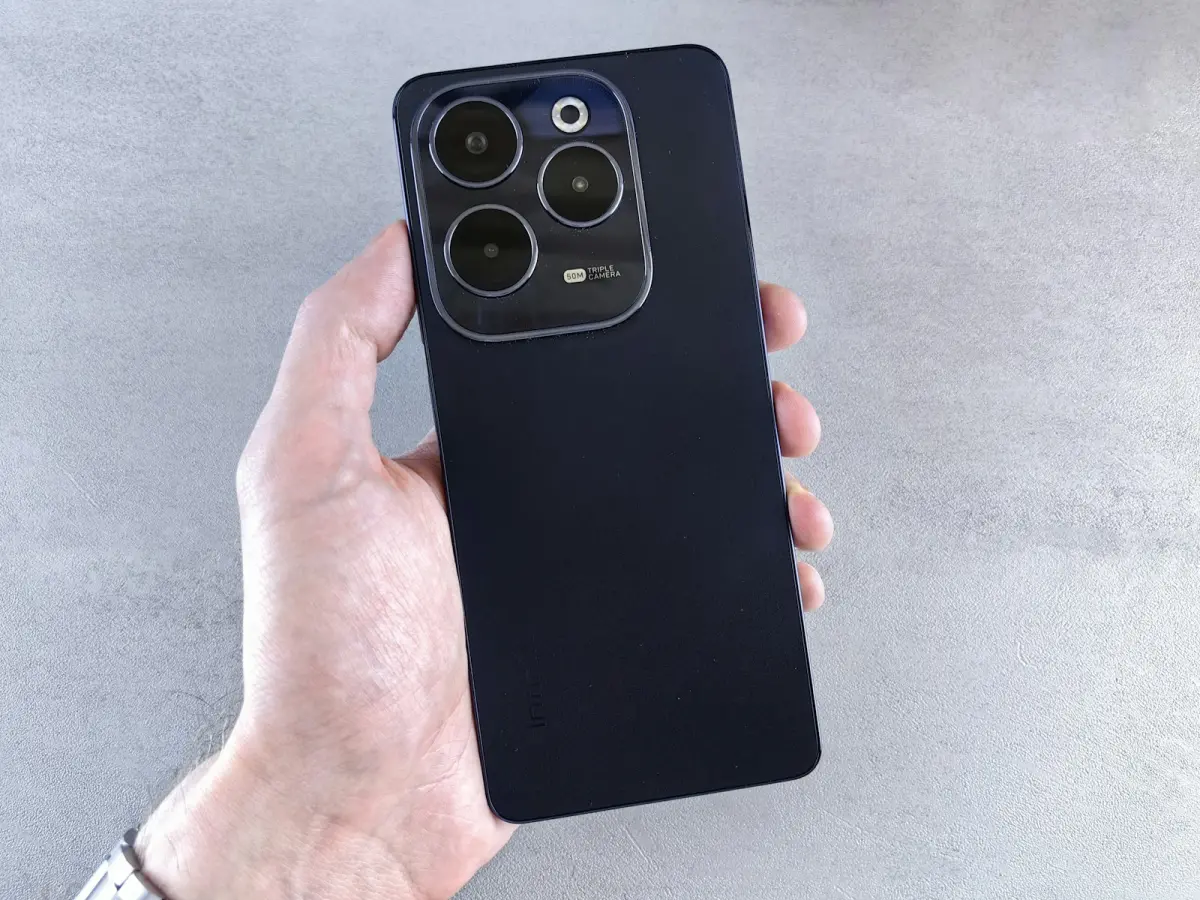
Many budget models in these brands (for example several Realme C, Oppo A and Vivo Y phones) use MediaTek processors. They often run LMC 8.4 with HDR+ but may crash with HDR+ Enhanced. Use HDR+, lower the frame count, and try LMC 8.3 R4 FE with Sabre MTK if results are poor.
Vivo: Only the Main Lens?
Many Vivo Y phones only expose the main camera to third-party apps. That is a phone limit, not an LMC bug — the main lens with HDR+ and Night Sight still gives a big improvement.
Quick Tips
- Keep the stock camera for video and use LMC 8.4 for photos.
- If skin tones look too warm, change the AWB model or try another config.
- Read the best settings guide for night and portrait tips.

We test LMC 8.4 builds and configs on popular Android phones and check every version detail against the developer's official release pages.
Frequently Asked Questions
Find answers to common questions about LMC 8.4.
Does LMC 8.4 work on Realme phones?
Does LMC 8.4 work on Oppo phones?
Does LMC 8.4 work on Vivo phones?
What is the Aweme package in LMC 8.4?
Related Guides
Keep learning about LMC 8.4.
LMC 8.4 Supported Phones (Brand-by-Brand Guide)
Will LMC 8.4 work on your phone? Brand-by-brand guide for Samsung, Xiaomi, Redmi, Poco, Realme, Oppo, Vivo, OnePlus, Tecno and Infinix with the right package.

LMC 8.4 for Infinix and Tecno Phones
Does LMC 8.4 work on Infinix, Tecno and itel phones? What to expect on MediaTek chips, how to test Camera2 API, best settings and alternatives.

LMC 8.4 Best Settings for Every Situation
The best LMC 8.4 settings for daylight, Night Sight, astrophotography, portrait and selfies, plus fixes for noise, crashes and slow saving.