LMC 8.4 Best Settings for Every Situation
Daylight, night, astro, portrait and selfie settings
A good config does most of the work, but a few simple settings make a big difference in LMC 8.4. Here are the settings we recommend for daylight, Night Sight, astrophotography, portraits and selfies, plus what to change when photos look wrong.

Table of Contents
Step 1: Start With a Config
LMC 8.4 has hundreds of settings, and the right values depend on your sensor. People who own the same phone test these values and share them as XML configs. Loading one is the single biggest improvement you can make. Get one from the config file guide, put it in /LMC8.4/, double-tap next to the shutter and tap Restore.
No config for your phone? Use the defaults and change only the settings below.
Quick Setup Steps
- Load a config for your phone. Restore the XML config made for your exact model from the LMC8.4 folder.
- Choose HDR+ Enhanced for still scenes. Use HDR+ Enhanced in daylight and for landscapes; switch to HDR+ for moving subjects.
- Use Night Sight in low light. Hold the phone steady until capture ends, or rest it on a surface.
- Use astrophotography on a tripod. Place the phone on a tripod in a dark place and let Night Sight switch to astro mode.
- Check lenses and save your own config. Test each lens, adjust saturation or sharpness if needed, then save your settings as a new config.
Best Settings for Daylight and Landscapes
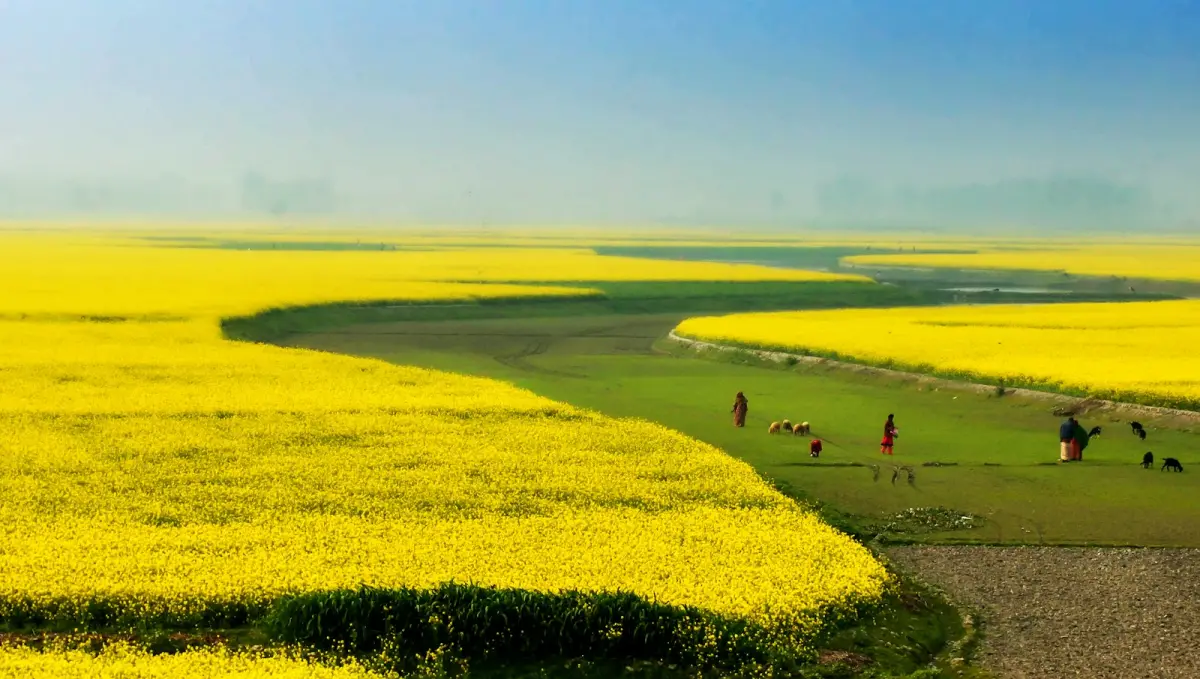
- Mode: HDR+ Enhanced for landscapes, buildings and food. It keeps the sky and shadows balanced.
- Moving subjects: switch to HDR+ (non-enhanced) or ZSL so people and cars are not blurred.
- Lens: use the main lens for the best detail; ultra-wide is softer on most budget phones.
- Grid: turn on the 3×3 grid to keep the horizon straight.
Best Settings for Night Sight
- Use Night Sight for streets, markets and indoor scenes without flash.
- Hold the phone still until the progress circle ends — usually 2 to 4 seconds.
- Rest your elbows on your body or the phone on a wall for sharper shots.
- If night photos look smeared or too smooth, lower the noise reduction strength in the config or try another noise model.
- If the app crashes, lower the Night Sight frame count.
Best Settings for Astrophotography
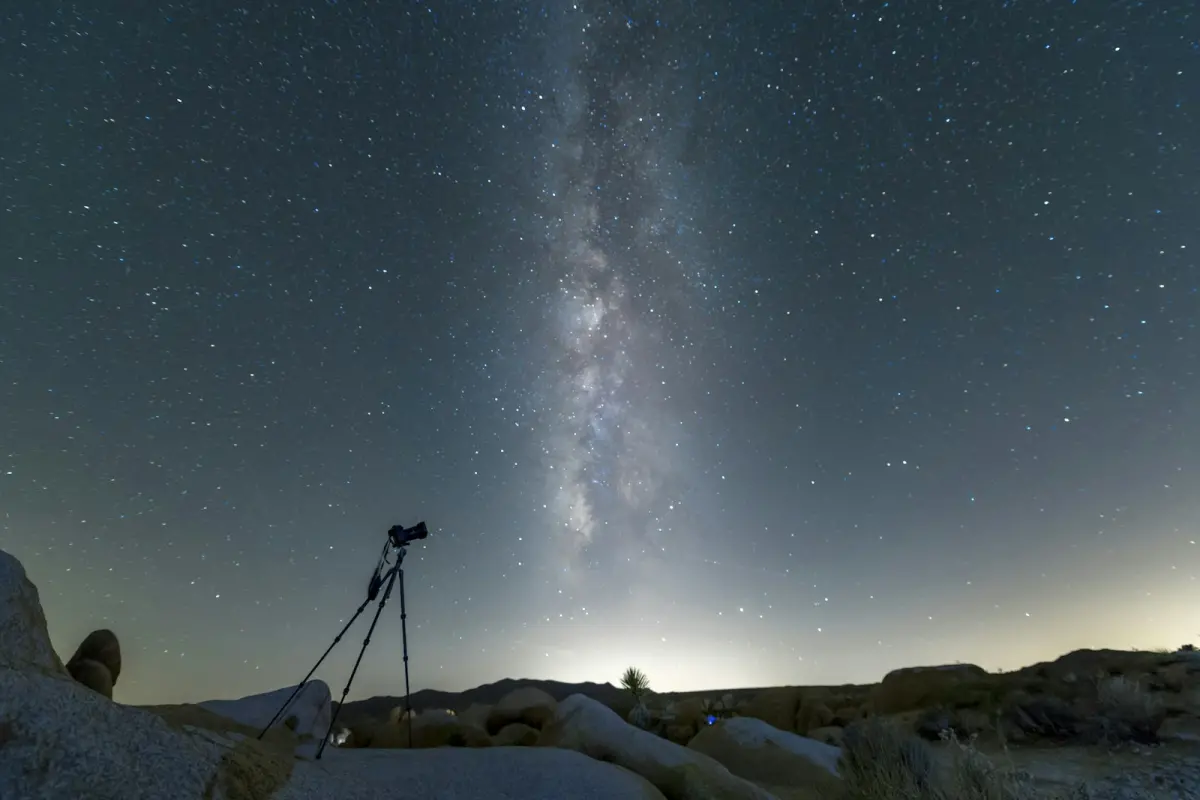
- Use a tripod or lean the phone against something solid — astro mode only starts when the phone is perfectly still.
- Go far from city lights (a village or a beach) on a moonless night.
- Turn off the flash and point at the darkest part of the sky.
- Wait for the full capture; it can take a few minutes.
Best Settings for Portraits and Selfies
- Use Portrait mode with the main or telephoto lens, 1 to 2 metres from the person.
- Turn face retouching off or to a low level for natural skin.
- For selfies, use HDR+ (not Enhanced) if the front camera is slow, and check that the config has front-camera settings.
- R15 added "Edge Enhancement (Portrait) Front" in LMC Tweaks for sharper front-camera portraits.

Manual Controls Worth Using
- ISO 100 (since R13): the cleanest daylight shots on small sensors.
- Shutter speed: longer for still night scenes, shorter for motion.
- Exposure slider: in R18 it sits on the left edge at full height; slide down if skies look too bright.
- Samsung Metering Mode (R17): helps Samsung phones expose like the stock app.
What About Video?
LMC 8.4 focuses on photos. Video recording works, but most stock camera apps record steadier, smoother video. Keep using your stock camera for video and LMC 8.4 for photos.
If Photos Look Wrong
| Problem | Setting to change |
|---|---|
| Too much noise | Try another noise model or slightly stronger noise reduction |
| Over-smooth, "painted" look | Lower noise reduction; lower the frame count |
| Colours too warm or green | Change the AWB model or use a config for your exact phone |
| Over-sharpened edges | Lower sharpness in the config |
| Slow saving or crashes | Use HDR+ instead of HDR+ Enhanced; turn off RAW |
When you are happy, save your settings as a new config: double-tap next to the shutter, type a name and tap Save. More fixes are in LMC 8.4 not working.

We test LMC 8.4 builds and configs on popular Android phones and check every version detail against the developer's official release pages.
Frequently Asked Questions
Find answers to common questions about LMC 8.4.
What are the best LMC 8.4 settings?
Should I use HDR+ or HDR+ Enhanced?
How do I take Milky Way photos with LMC 8.4?
Is LMC 8.4 good for video?
Related Guides
Keep learning about LMC 8.4.

LMC 8.4 Config File Download
LMC 8.4 config file download for Samsung, Xiaomi, Redmi, Realme, Oppo, Vivo and OnePlus. Learn the /LMC8.4/ folder setup and how to load XML configs.

LMC 8.4 Not Working? 10 Easy Fixes
LMC 8.4 crashing, black screen, lenses missing or photos not saving? Try these 10 tested fixes for Samsung, Redmi, Realme, Oppo, Vivo and Infinix phones.
LMC 8.4 for Samsung Galaxy Phones
Install LMC 8.4 on Samsung Galaxy A, M and S phones. Which package unlocks the wide lens (Scan3D, Iris, Ruler), Samsung configs and fixes.